Understand SPF, DKIM, and DMARC and why your domain needs all three for email security.
1. Why These Protocols Matter
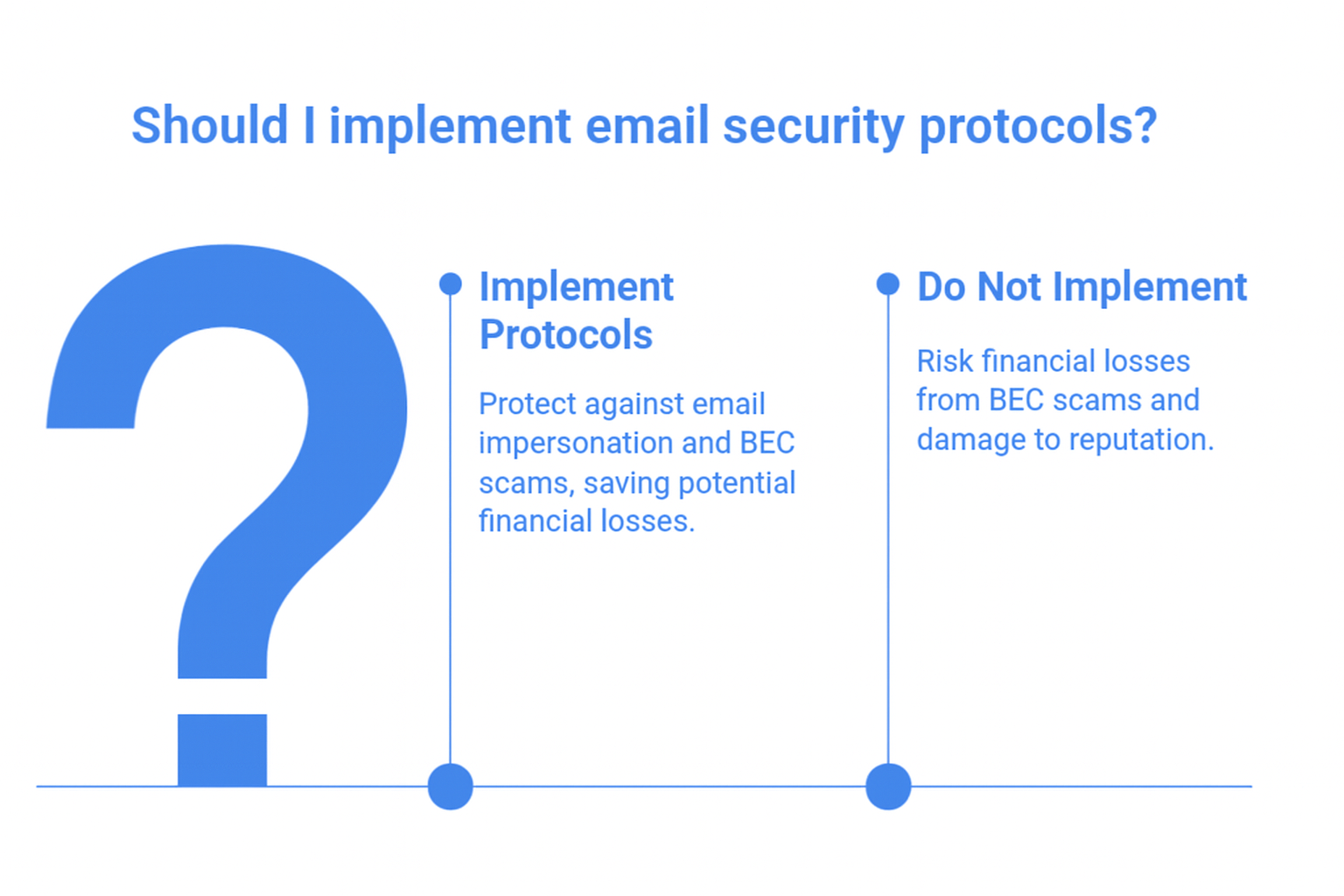
Here’s the thing, email impersonation isn’t slowing down. With BEC scams now costing over $55 billion, protecting your domain isn’t optional.
SPF, DKIM, and DMARC work together to keep attackers from pretending to be you. And honestly, I’ve seen too many businesses think they’re “covered” when they’ve only set up one or two of them.
When all three are in place (and actually enforced), you get stronger security and better inbox placement. Win–win.
2. What SPF Actually Does
SPF tells the world which servers are allowed to send email for your domain.
If a server isn’t on the list? Fail.
Quick example: If you’re using Microsoft 365 and a tool like Mailchimp, both need to be in your SPF record, otherwise legitimate mail can get flagged.
Pros
Easy to configure
Reduces direct spoofing
Cons
Only checks the Return-Path (not the visible From address)
Breaks easily when third-party senders change
3. What DKIM Adds to the Picture
4. Why DMARC Is the Real Game-Changer
DMARC is where everything comes together. It checks both SPF and DKIM against the visible From address and tells inboxes what to do if something fails:
p=none → just report
p=quarantine → send to spam
p=reject → block entirely
Here’s what I love most about DMARC: it finally puts you in control. You get reports showing who’s sending on your behalf, and who shouldn’t be.
But quick note: most businesses stall at p=none. That’s “monitor mode.” It’s helpful, but it doesn’t protect anything on its own.
5. How SPF, DKIM & DMARC Work Together
Let’s keep this simple:
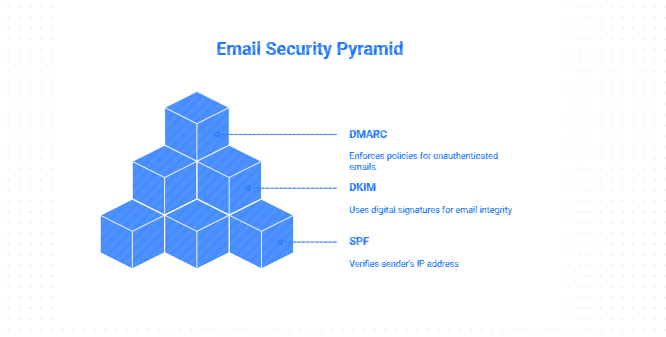
SPF = Who’s allowed to send
DKIM = Is the message legit?
DMARC = Do SPF/DKIM match the From address? If not, what should happen?
If even one layer is missing, attackers can still slip in. You know what I mean?
6. Quick Tips to Set Them Up
SPF: Add all your sending tools to a single SPF TXT record.
DKIM: Enable DKIM wherever you send mail (Microsoft 365 makes this easy). Publish the provided TXT record.
DMARC: Start with: v=DMARC1; p=none; rua=mailto:reports@yourdomain.com Then work toward quarantine or reject once everything aligns.
And if configuring this feels like pulling teeth? You’re not alone.
At MStack360, we help businesses set up, fix, and enforce SPF, DKIM, and DMARC—especially for Microsoft 365 and hybrid setups where things can get messy fast. Just putting it out there.
7. Final Thoughts
If your business sends email (and whose doesn’t?), SPF, DKIM, and DMARC are no longer “nice to have.” They’re required by Microsoft, Google, Yahoo, and Apple—and they’re one of the simplest ways to stop phishing before it hits your customers.
And honestly, once you have enforcement in place, your deliverability usually improves too. I’ve seen this play out again and again with clients.
Community Question
Have you ever checked whether your domain is actually at DMARC enforcement or are you still stuck at p=none?