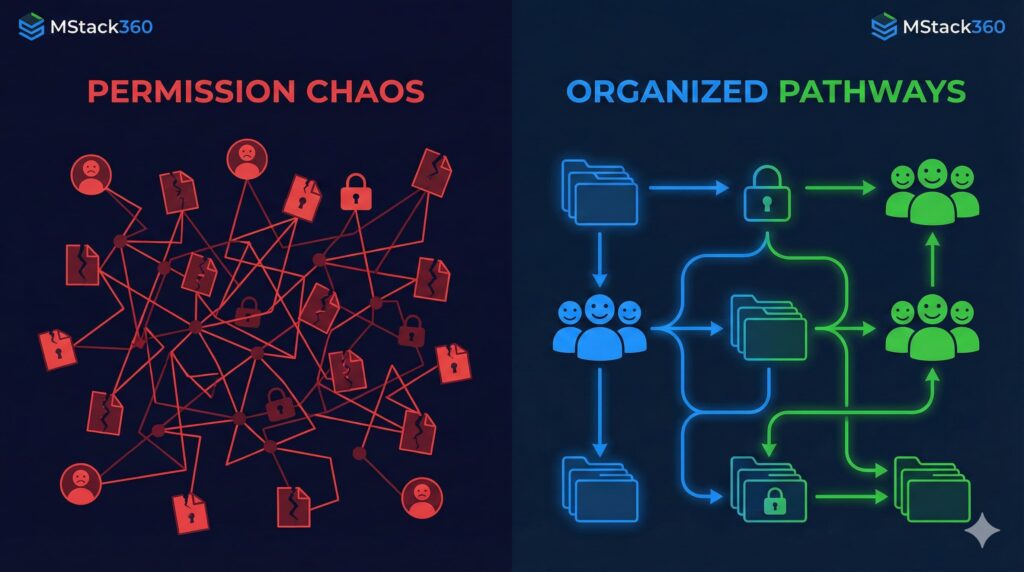
Choosing between OneDrive and SharePoint for file storage comes down to how teams collaborate, the scale of document sharing, and the need for governance. Here’s a quick breakdown, let’s keep this simple: OneDrive is perfect for personal file storage and sharing with a few team members, while SharePoint is the powerhouse for company-wide collaboration, structured workflows, and advanced document management.

Table of Contents
- Title: OneDrive vs SharePoint: Which Fits Your Storage Needs?
- Meta Description
- Understanding OneDrive and SharePoint
- Key Differences
- When to Use OneDrive
- When to Use SharePoint
- Real-World Scenarios
- Which Should You Choose?
- Community Question
- Call to Action & Next Steps
OneDrive vs SharePoint: Which Fits Your Storage Needs?
Meta Description
OneDrive vs SharePoint, Compare file storage, collaboration, and security. Find out which best fits your business in 2025.
Understanding OneDrive and SharePoint
Here’s the thing: Microsoft gives us two flavors for file storage, OneDrive, the digital “locker” for individuals, and SharePoint, the collaboration playground for teams big and small. Both sync with Microsoft 365, but they shine in different situations.
Key Differences
Feature | OneDrive for Business | SharePoint Online |
Primary Use | Personal file storage | Team collaboration/document management |
Audience | Individuals/small teams | Departments, entire organizations |
Structure | Simple file/folder storage | Document libraries, sites, intranet |
Collaboration Tools | Basic, quick sharing | Advanced workflows, versioning |
Governance | Basic | Advanced compliance, permissions |
Best For | Drafts, individual files | Group projects, shared repositories |
When to Use OneDrive

- Working solo or with a couple friends on docs nobody else needs to see yet.
- Syncing files across devices for easy access during travel.
- Storing work drafts, personal notes, or stuff in progress.
- Sharing quick files with a client, no drama, just get it done.
- These files are typically “yours” until you’re ready to move them to a team space.
When to Use SharePoint

- Your department needs a central hub with document tracking, permissions, and team ownership.
- You want version control, project sites, discussion boards, or even a company intranet.
- Automating workflows (like approval processes or notifications).
- Sharing and co-authoring with large or cross-functional teams, think HR policies, project libraries, etc..
- Robust compliance, auditing, or metadata tagging is a must.
Real-World Scenarios
- Start in OneDrive: Draft a presentation on your own. When it’s ready, move it to a SharePoint library so your team can jump in.
- Departmental projects: Store team plans, templates, and shared documents in SharePoint, so everyone’s on the same page.
- Company-wide announcements: Use SharePoint for news, holiday calendars, and resources every employee needs.
- Honestly, I’ve seen clients cut file confusion in half just by keeping personal work in OneDrive until it’s truly “ready for primetime” in SharePoint.

Which Should You Choose?
Let’s keep this simple:
- Need simple, personal, or draft storage? OneDrive does the trick.
- Need collaborative, structured, or compliance-intensive storage? SharePoint wins, especially as teams and requirements grow.
- Most businesses use both. Files start in OneDrive, get refined, and end up in SharePoint once they’re ready to go public within the org.
Community Question
What’s the biggest pain point you’ve run into when storing or sharing files with your team? How did you solve it?
Call to Share
Did this help clear up the OneDrive vs SharePoint mystery? Share this post with friends or colleagues who are still wading through confusing file messes!
Book a Free 15-Minute Call
Curious which Microsoft 365 storage option fits your team’s work style? Book a free 15-minute chat with our experts at MStack360. We’ll talk real scenarios, no jargon, just honest advice.
P.S. Just putting it out there, choosing the right tool can save you headaches down the line. Been there, learned the hard way!