How Kane Replaced Zoom Chaos with Calm Operations Using Microsoft 365
From Zoom Chaos to Calm Operations
For years, Kane ran his financial planning firm using tools that were never designed to work together. Everything functioned — but nothing flowed.
Scattered daily tools
Meetings were booked in one system, video calls ran in another, and notes lived somewhere else entirely.
Microsoft 365 left on the side
The firm already paid for Microsoft 365, but it was mostly used for email and basic calendar invites.
“Good enough” operations
Day-to-day work still happened, which made the growing inefficiencies easy to overlook.
When Growth Exposed Hidden Complexity
Growth didn’t create new problems. It revealed the ones that were already hiding beneath everyday work.
Meeting volume increased
An assistant was now responsible for booking hundreds of client and internal meetings each year.
More people, more locations
Advisors worked across offices and home setups, each with slightly different routines.
Compliance became stricter
Recordings, documentation, and consistent processes were no longer optional.
The Operational Breaking Point
The tools were not the real issue. The invisible manual work holding everything together finally became impossible to ignore.
Manual meeting links
Zoom links were copied and pasted into invitations, creating room for error and inconsistency.
Rules lived in people’s heads
Booking logic depended on individual knowledge instead of shared, documented systems.
No resilience
When key staff were unavailable, scheduling slowed or stopped altogether.
Unlocking Microsoft 365 the Right Way
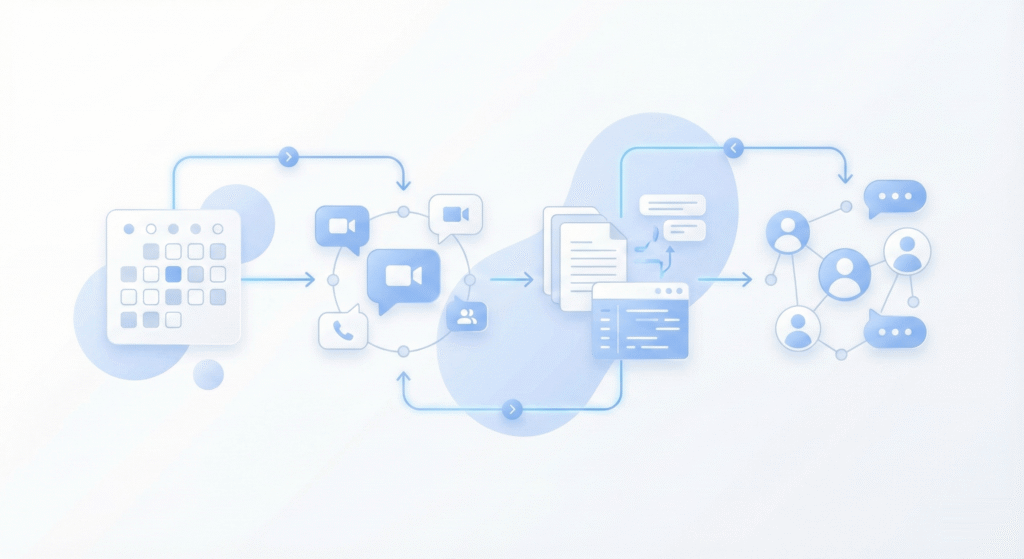
The turning point wasn’t buying new software. It was designing Microsoft 365 to work as one connected system.
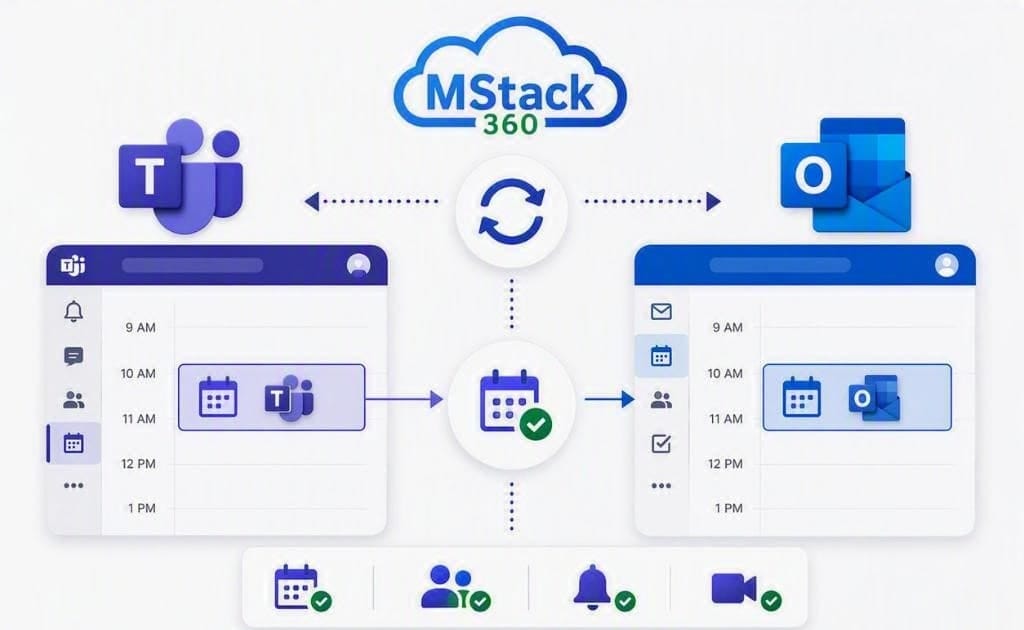
- Microsoft Teams meetings replaced external video tools, keeping meetings inside the same environment.
- Shared calendars gave everyone a clear, reliable view of availability.
- Standard meeting templates ensured recordings and compliance notes happened automatically.
- Clear ownership removed guesswork around scheduling, changes, and follow-ups.
What Calm Operations Look Like Today
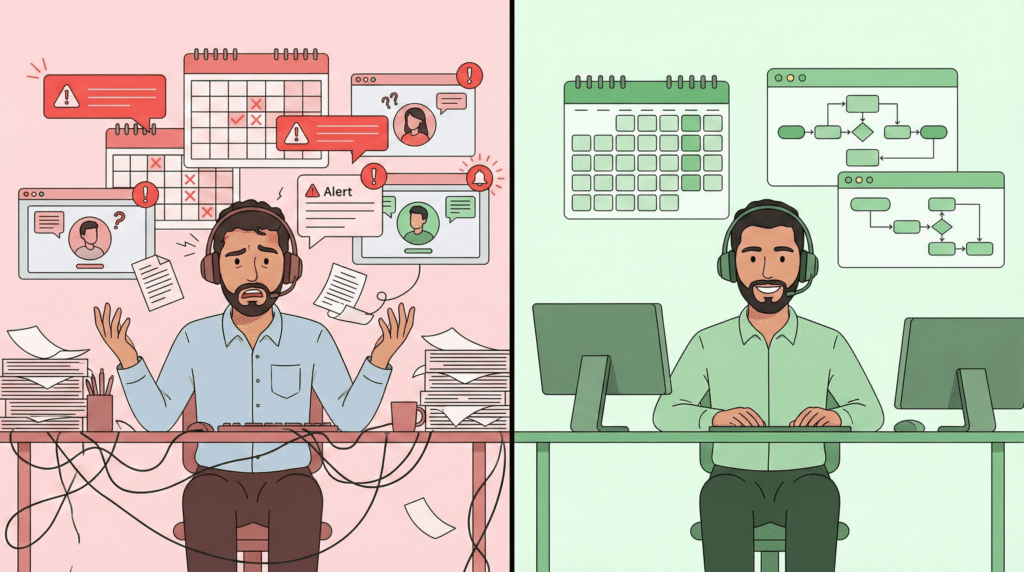
The biggest change was not speed. It was the absence of friction in everyday work.
Constant attention required
- Meeting links created and checked manually
- Staff double-checking compliance steps
- Scheduling dependent on specific people
Quietly reliable systems
- Meetings created with links and recordings automatically
- Compliance built into the meeting flow
- Scheduling works even when people are away
Key Lessons for Professional Firms
This story is not about tools or features. It highlights operational truths that many professional firms quietly face.
Calm is designed
Operational calm does not happen naturally. It comes from clear systems, ownership, and predictable workflows.
Software is not strategy
Buying licenses does not improve operations. Intentional design is what unlocks real value.
Manual work is hidden risk
Copying links, remembering rules, and relying on individuals always creates fragility.
Microsoft 365 works as a system
When designed around real workflows, it quietly replaces complexity with structure.
Meet Ahmed
Ahmed Masoud
Microsoft 365 Consultant specializing in Migration, Setup, Automation, and providing Dedicated, Ongoing Support to optimize your business operations.